







Encrypted vaults you control
A vault is a single encrypted file holding a whole private filesystem. Only your password opens it. Open source, and compatible with VeraCrypt.
For iPhone, iPad, Android, macOS, Linux and Windows. Free, Apache-2.0, with a Rust core you can read. No account, cloud or telemetry.
Get VaultPony
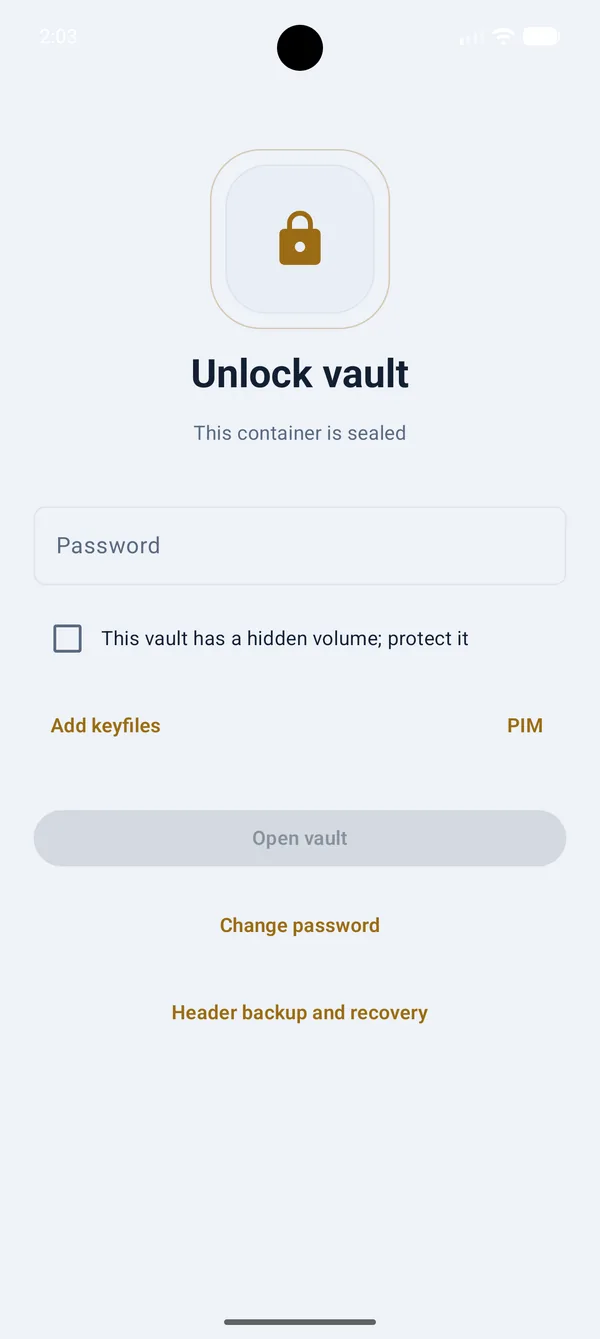
Get it from the App Store, from F-Droid, or as the signed APK straight from GitHub Releases. A vault is the same VeraCrypt-format file everywhere, so one made on your phone opens on your desktop.
| Platform | Details | Get it |
|---|---|---|
| iPhone and iPad | iOS 17 or later, with Face ID unlock and a split-view layout on iPad. Free, no account, no in-app purchases. | App Store |
| Android, F-Droid | Built by F-Droid from the public Apache-2.0 source and matched against the signed release. No Google account needed. | F-Droid |
| Android, APK | The signed release APK, straight from GitHub. Android 8.0 and later. | GitHub Releases |
| Desktop | The same Rust core behind a desktop app, for the machine where your VeraCrypt containers already live. macOS, Linux and Windows. | Desktop downloads |
| Google Play | The same Android app, distributed through Play for people who prefer it. | Planned |
How it works
A vault is not a folder the system politely hides. It is a single encrypted file, and without the password there is nothing in it but noise.
Create a vault
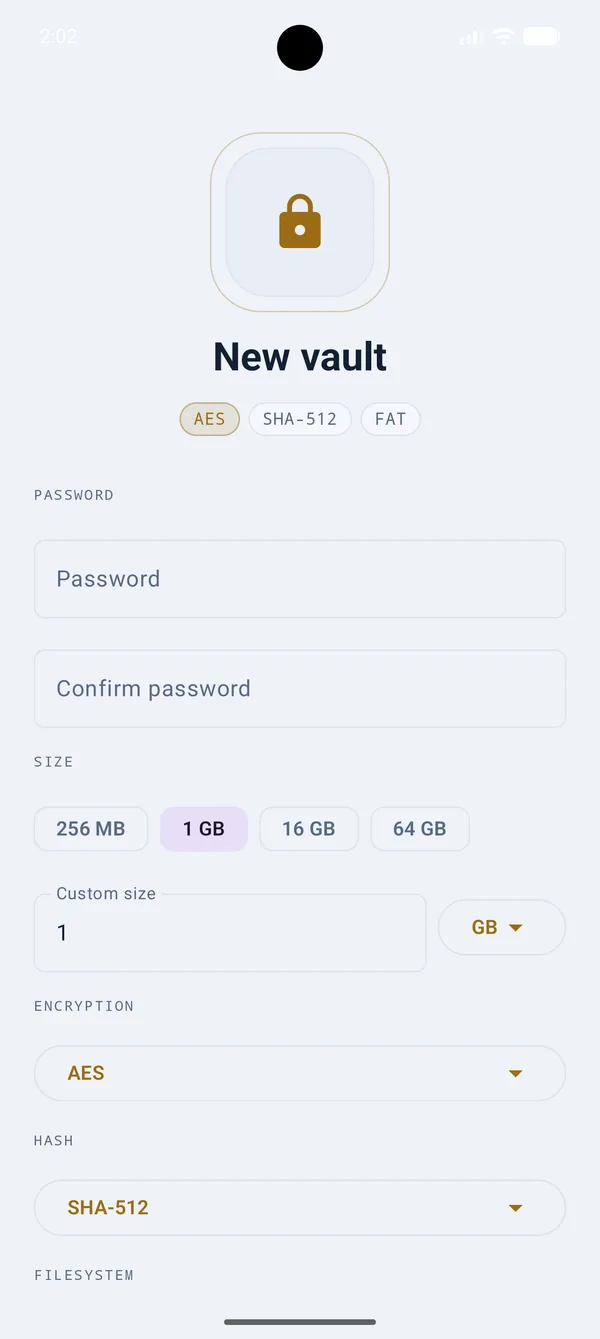
Pick a size and where the file lives. VaultPony writes one encrypted file, and nothing about it announces what it is.
Choose the crypto
Fifteen encryption schemes including cascades, five header hashes, and FAT or exFAT inside. Sensible defaults if you would rather not pick.
Unlock it
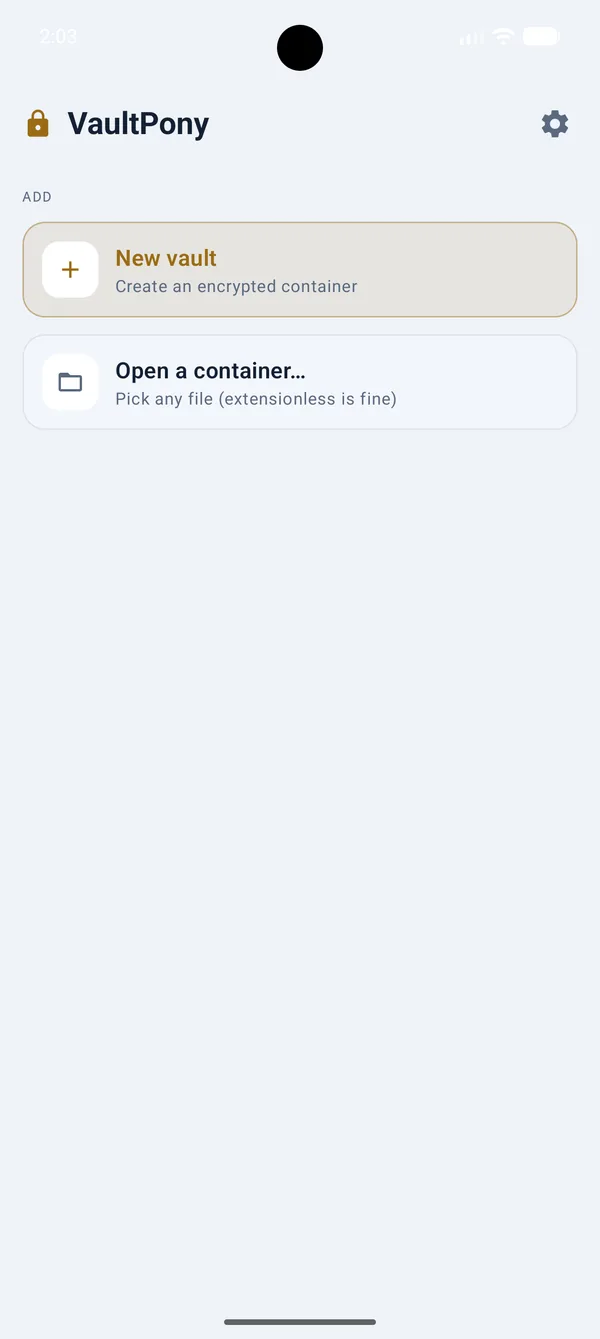
A password, and optionally keyfiles or a PIM. Biometrics if you turn them on. Nothing else opens it.
Use your files
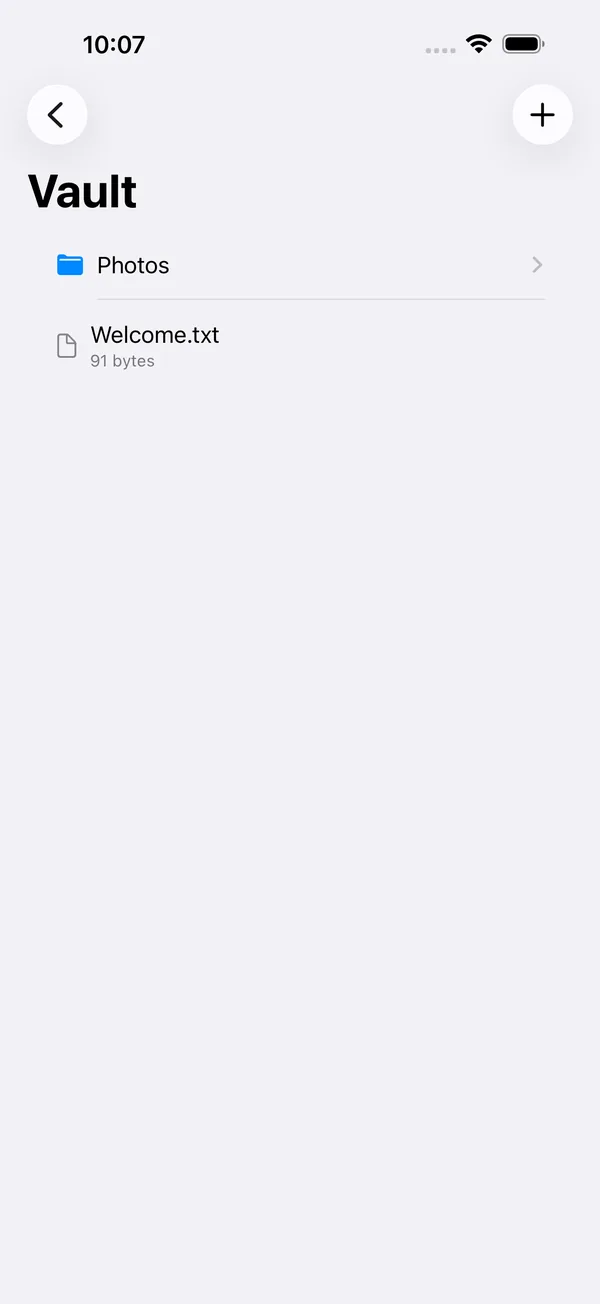
Browse inside the app, or reach the unlocked vault system-wide from Files. It locks itself when you leave.
What it does
Every choice points the same way: your files stay yours, on your device, in a format you can open somewhere else.
- VeraCrypt-compatible
- Open the same container on your phone and on desktop VeraCrypt. Tested against real VeraCrypt fixtures, not assumed.
- Open source, Rust core
- Apache-2.0, with the cryptography in a shared Rust core you can read. Encryption you can inspect instead of taking a developer's word for it.
- Fifteen ciphers, five hashes
- AES, Serpent, Twofish, Camellia, Kuznyechik and ten cascades. SHA-512, SHA-256, BLAKE2s-256, Whirlpool, Streebog.
- Keyfiles and PIM
- Unlock with keyfiles alongside or instead of a password, and set a PIM for a custom iteration count.
- Header backup and recovery
- Export the header that holds your keys, and restore it from the embedded backup or a file. Restoring verifies the password first, so a wrong one changes nothing.
- Change the password in place
- Re-key the header under a new password without touching a single file inside the vault.
- Hidden screen, auto-lock
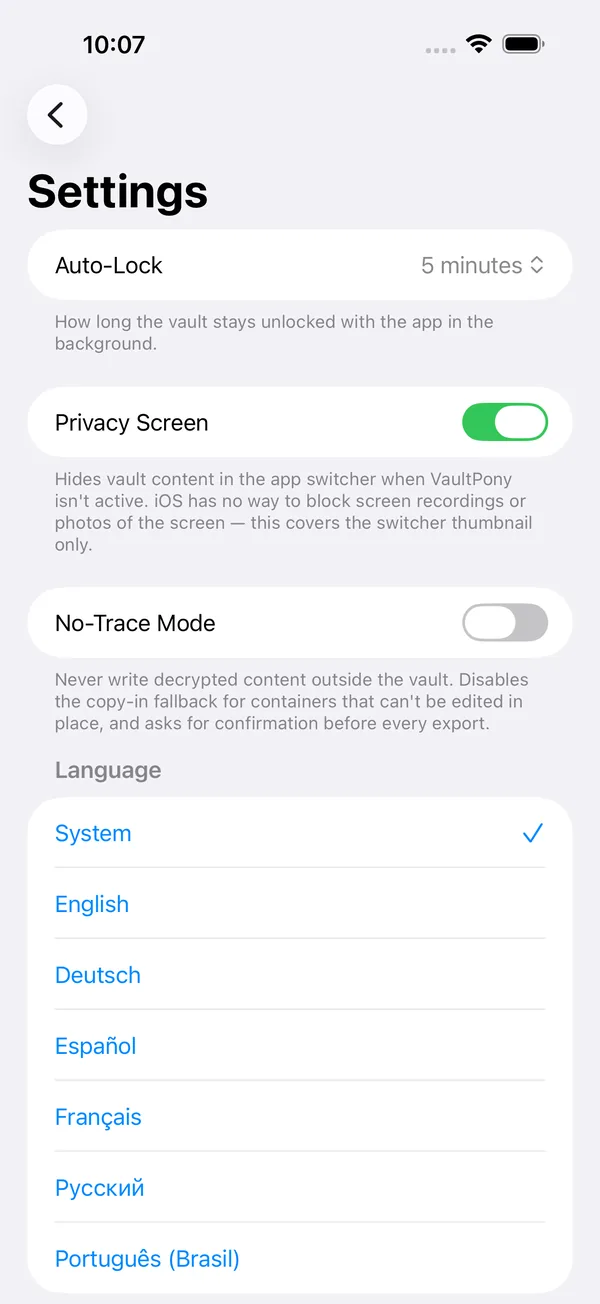
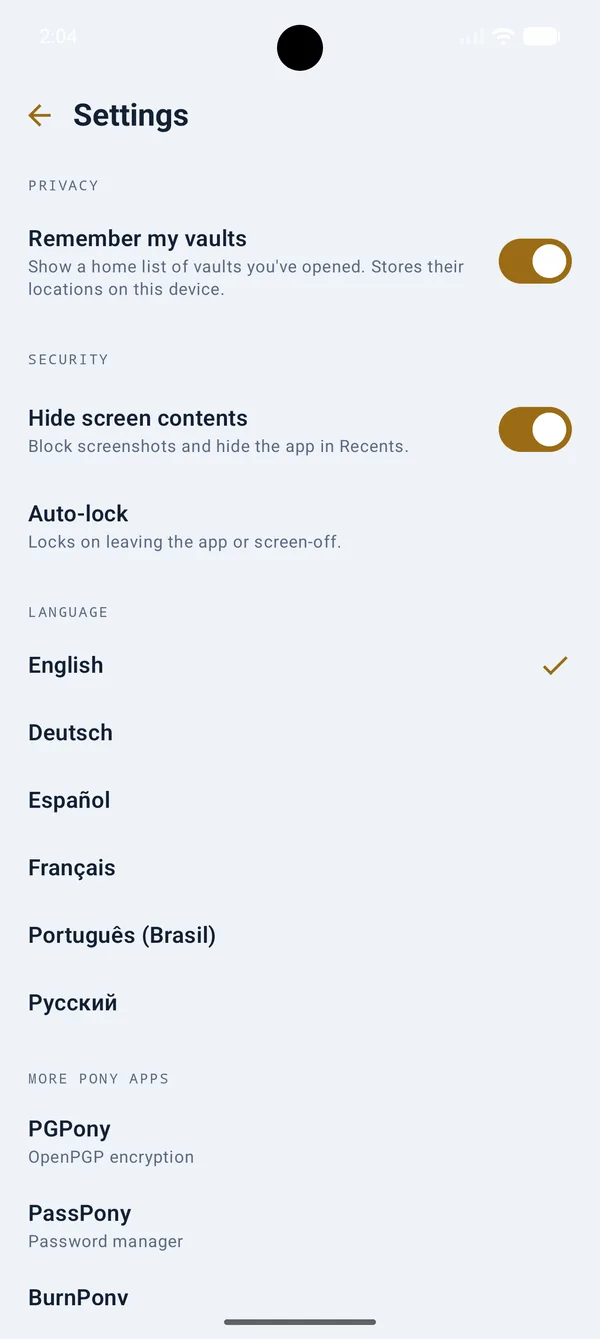
- Screenshots blocked and app contents hidden in Recents by default, and the vault locks itself when you background the app or the screen turns off.
- No-trace mode
- Turn it on and the app stops remembering which vaults exist or where they are. Nothing on the device points at them.
- Six languages
- English, German, Spanish, French, Russian and Brazilian Portuguese, switchable inside the app without a restart.
How it compares
Container encryption on a phone is a narrow field. Here is an honest read of it, drawn from each project's own documentation.
| VaultPony | VeraCrypt (desktop) | EDS Lite | Cryptomator | Android device encryption | |
|---|---|---|---|---|---|
| Runs on Android | Yes | No, desktop only | Yes | Yes | Yes, built in |
| Opens VeraCrypt containers | Yes | Yes | Yes | No, own format | No |
| Creates new containers | Yes | Yes | Yes | Yes, own format | n/a |
| Hidden volumes | Yes | Yes | Paid EDS only | No | No |
| Hidden-volume write protection | Yes | Yes | Paid EDS only | No | No |
| Keyfiles | Yes | Yes | Paid EDS only | No | No |
| Cipher cascades | Yes, ten | Yes | Yes | No, AES-256 | No |
| Open source | Yes, Apache-2.0 | Yes | Yes | Yes, GPLv3 | Partly, via AOSP |
| Cost | Free | Free | Free | Android needs a paid license key | Free |
| Requires an account | No | No | No | No | No |
Third-party rows are taken from each project's own published documentation and were last checked in August 2026; features change, so check with the vendor before relying on any of it. Android device encryption is included because it is often mistaken for a substitute: it protects a powered-off or locked device, not individual files from someone holding an unlocked phone.
Technical specifications
Everything below is what the app actually offers, read straight out of the registry the core is built from.
Encryption schemes (15)
- AES (default)
- Serpent
- Twofish
- Camellia
- Kuznyechik
- AES(Twofish)
- AES(Twofish(Serpent))
- Serpent(AES)
- Serpent(Twofish(AES))
- Twofish(Serpent)
- Camellia(Kuznyechik)
- Kuznyechik(Twofish)
- Camellia(Serpent)
- Kuznyechik(AES)
- Kuznyechik(Serpent(Camellia))
Header hashes (5)
- SHA-512 (default)
- SHA-256
- BLAKE2s-256
- Whirlpool
- Streebog
Container filesystems
- FAT
- exFAT
Format and mode
- Container
- VeraCrypt format, one file holding a whole filesystem
- Mode
- XTS over 512-byte data units
- Key derivation
- PBKDF2 over the chosen header hash, with optional PIM
- Hidden volumes
- Supported, with outer-volume write protection
- Headers
- Embedded backup, plus export and restore to a file
- Implementation
- Clean-room from published format documentation
App and platform
- Platform
- Android 8.0 and later; iOS and iPadOS 17 and later; macOS, Linux and Windows
- Package
dev.norsehorse.vaultpony- Permissions
- USE_BIOMETRIC only, and it is optional. No internet, no storage permission.
- File access
- Storage Access Framework, plus a DocumentsProvider so unlocked vaults appear in Files
- Core
- Shared Rust core, bound to Kotlin through UniFFI
- License
- Apache-2.0, app and core
VeraCrypt is a registered trademark of IDRIX. VaultPony is an independent project, not affiliated with or endorsed by IDRIX. The container format is implemented clean-room from published format documentation; no VeraCrypt or TrueCrypt source is used or linked.
Privacy
Not a policy promise. An architecture: no server exists, and the app has no permission to reach one.
- No internet permission. The manifest does not declare INTERNET. There is no network access to trust, audit, or turn off.
- No account, no server. Nothing to sign into and nothing on the other end. Vaults are just files.
- No telemetry, no analytics. No crash reporting, no usage counters, no third-party SDKs.
- One permission, optional. USE_BIOMETRIC, for the biometric unlock you have to turn on yourself. That is the whole list.
- No storage permission either. Files are reached through the Storage Access Framework, so the app only ever sees what you hand it.
- No-trace mode. Switch it on and the app keeps no record of which vaults exist or where they live.
Questions
Is VaultPony compatible with VeraCrypt?
What is a hidden volume, and why would I want one?
Does VaultPony need an internet connection?
Do I need an account?
Which ciphers and hashes can I choose?
What happens if I forget my password?
Can I change a vault password without moving the files?
Is it really open source?
Which devices does it run on?
Which languages does it speak?
Make your first vault
One encrypted file, one password, and everything you put inside it stays yours.
This site is also reachable as a Tor onion service and an I2P eepsite. See the mirror addresses.